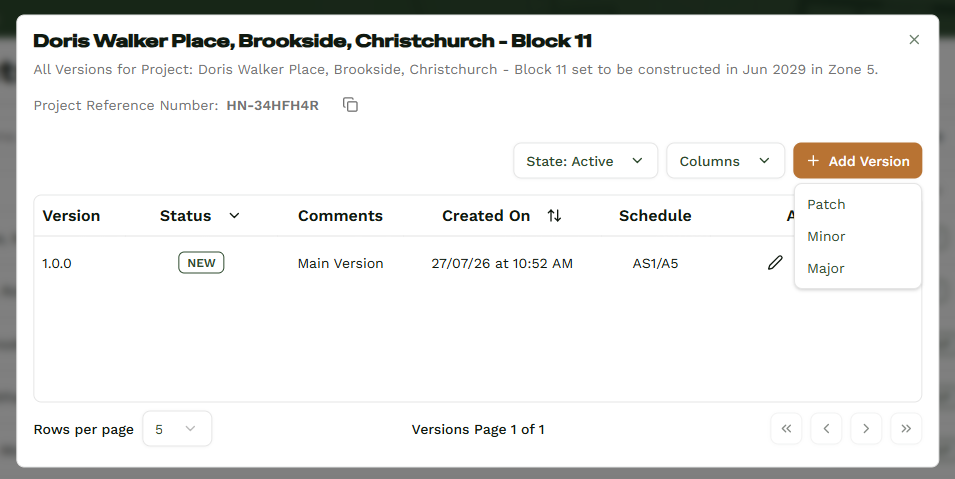
Version System
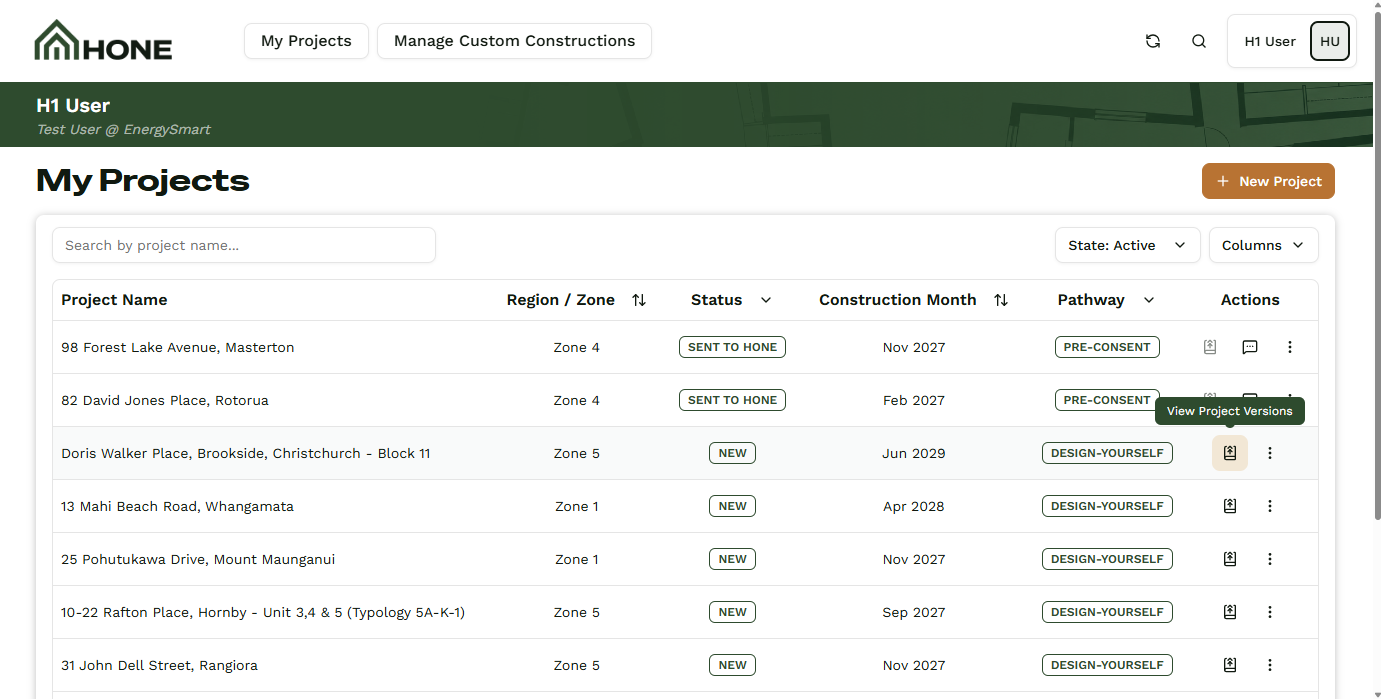
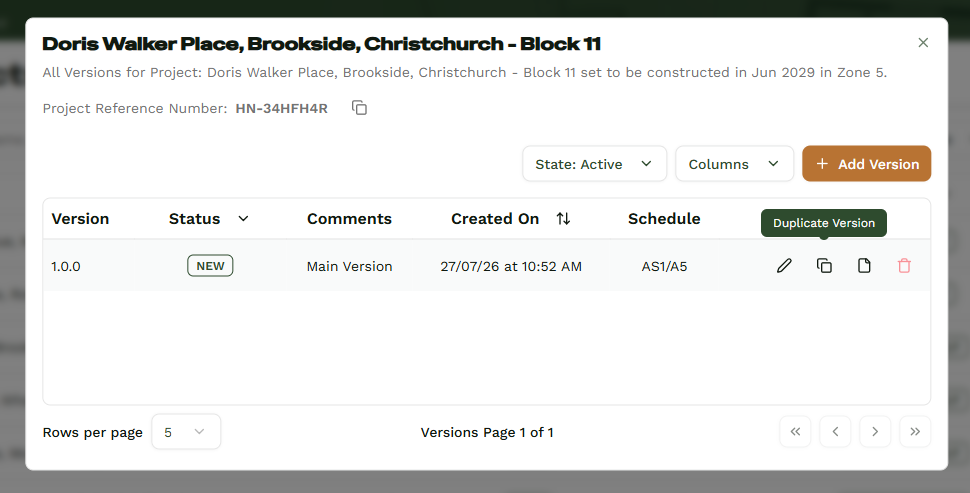
Design changes constantly. The version system in Hone lets you spin up a new version of a project with a single click, so a minor tweak - a thinner wall build-up, a resized window, a swapped insulation rating - doesn't force you to rebuild the whole project or run your calculations from scratch. Every version lives inside the same project, and every calculation stays saved against it. Revert to an earlier design, and the original calculation is still there, exactly as you left it. No lost work. No duplicated files. Just a clear record of how your project evolved, with each version's compliance result ready when you need it.
Tracking What Changed
Every new version lets you mark the change as a Patch, Minor, or Major. You can also add a comment describing exactly what you changed. Come back to the project in a month and you'll know precisely what happened and why.
You can upload your plans to your project to keep every file in one place. When you create a new version, we ask whether you want to keep the existing files or upload new ones. That way each set of plans stays matched to the right H1 calculation - no mismatched files, no confusion later.