

Sharing Templates
Across a team, rebuilding the same construction templates is wasted effort - the same wall system typed out five times by five people. Hone fixes that with shared custom templates, passed between colleagues using a single Share-ID.
To share one, open 'Manage Custom Construction Templates' from the User Menu in the top-right corner, find the template you want, click the 'Share' icon, copy the Share-ID, and send it across.
Your colleague opens the same page, clicks 'Add Shared Template', pastes the code into the text field, and clicks 'Add'. The template lands in their list, ready to use. And when the creator edits it, the recipient re-adds the template ID to sync to the latest version.
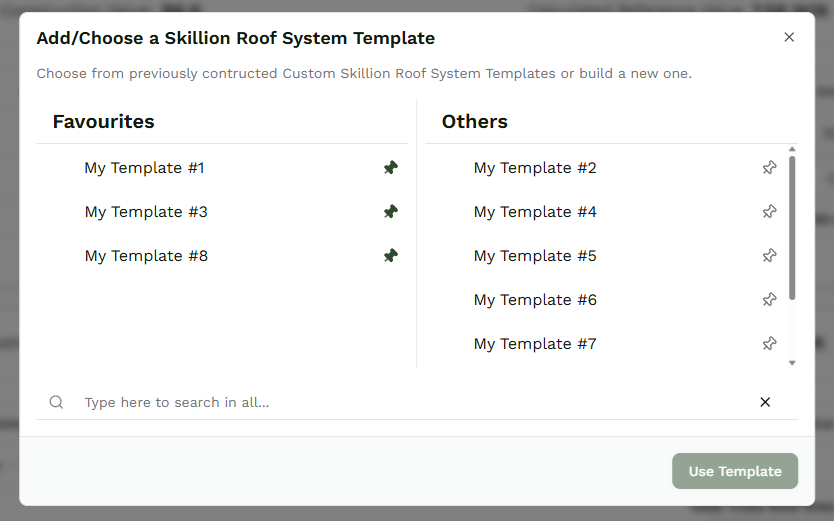
Sharing A Template
Sharing a template starts with its Share-ID. Open 'Manage Custom Construction Templates' from the User Menu in the top-right corner of Hone, then find the template you want to pass on. Click the 'Share' icon on the right-hand side, copy the Share-ID, and send it to your colleague. That single code is all they need.
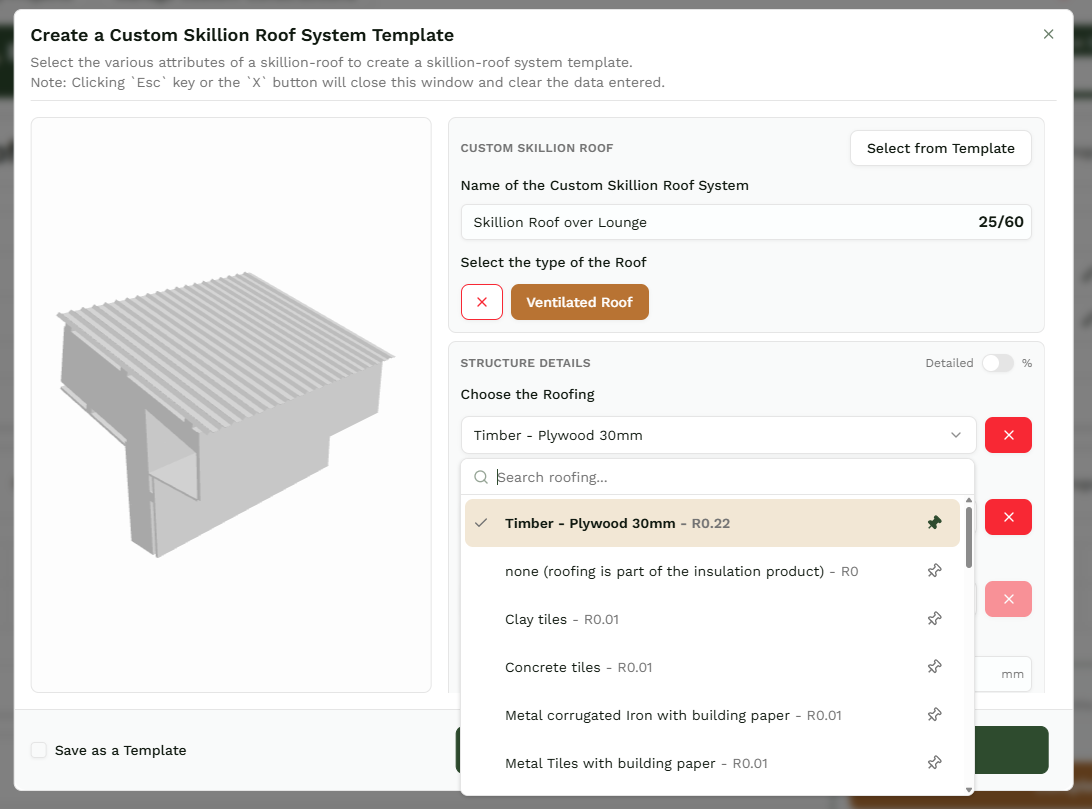
Updating A Shared Template
Shared templates don't sync on their own. When the creator edits a template, the recipient's copy stays on the old version until they act. To pull the latest, the recipient re-adds the template ID - their version updates to match the creator's exactly. Re-add whenever the source changes, and you stay in step.
