Chat
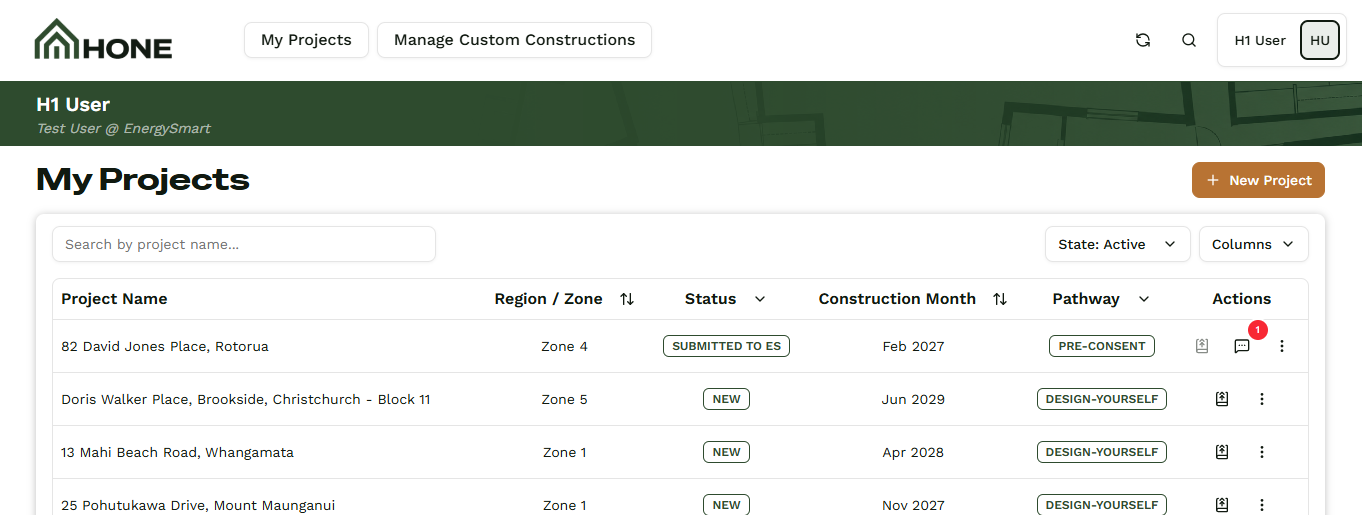
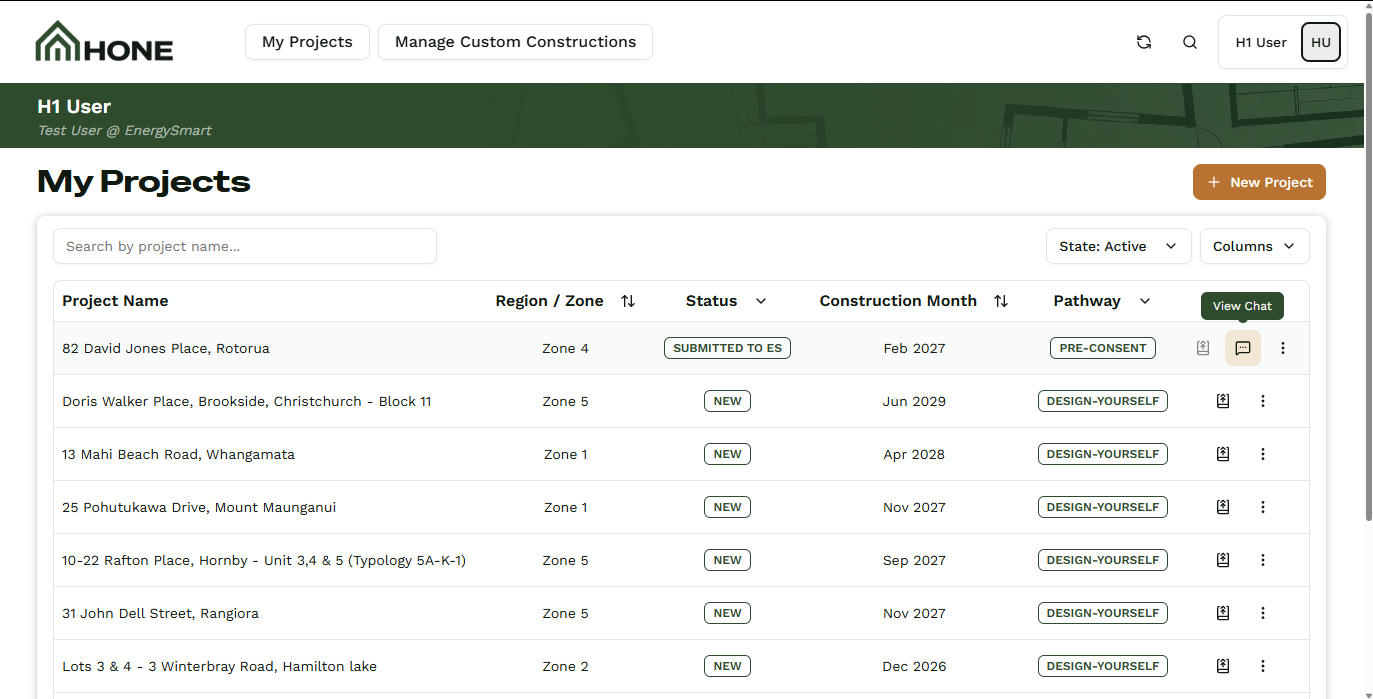
Every 'Done For You' project goes straight to the Hone team for completion. If you have a question along the way, the Chat function sits right on your projects page - click the 'Chat' icon on the project row and the chat module opens on the spot. Type your message, and it goes directly to the team. When they reply, a red icon appears on your projects page so you know a response is waiting. Every message is time and user stamped, so you always know who said what, and when.
The Chat Module
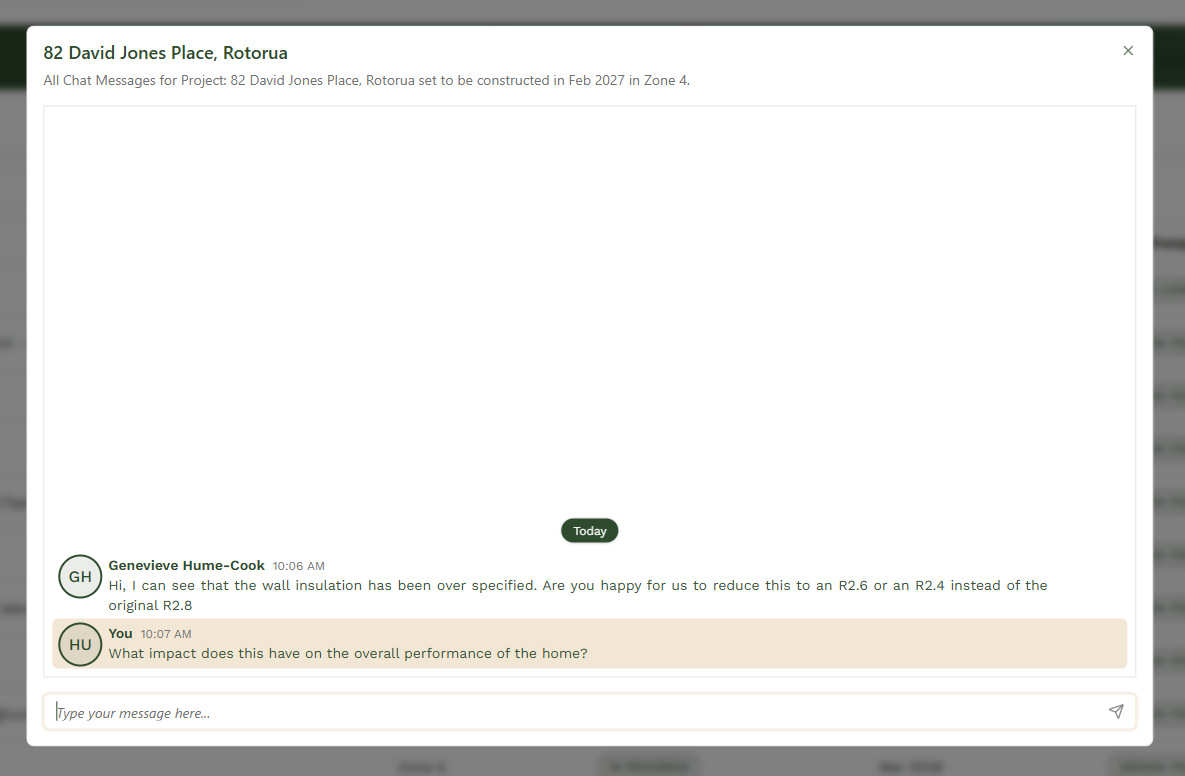
The chat module is where every conversation with the Hone team happens. Click the 'Chat' icon on the project row from your projects page, and it opens right there - send a message, read the replies, all in one place. Every message is time and user stamped, so you always know who said what, and when.